
Demolish & Build 3 Review: Can You Handle the Hammer and the Hustle?
Step into steel-toed boots and rev up the excavator—Demolish & Build 3 invites players into a gritty sandbox of destruction and enterprise. This in-depth exploration of Demolish & Build 3 reveals a physics-driven simulation where every beam, brick, and bolt reacts with startling realism. Whether you’re smashing walls with precision or orchestrating a fleet of heavy machinery, the game blends tactile chaos with strategic growth. From humble beginnings in a rundown shack to managing a sprawling vehicle park, the journey is as satisfying as the crunch of concrete under a jackhammer. I will also just like to say we are playing on an Xbox Series S.
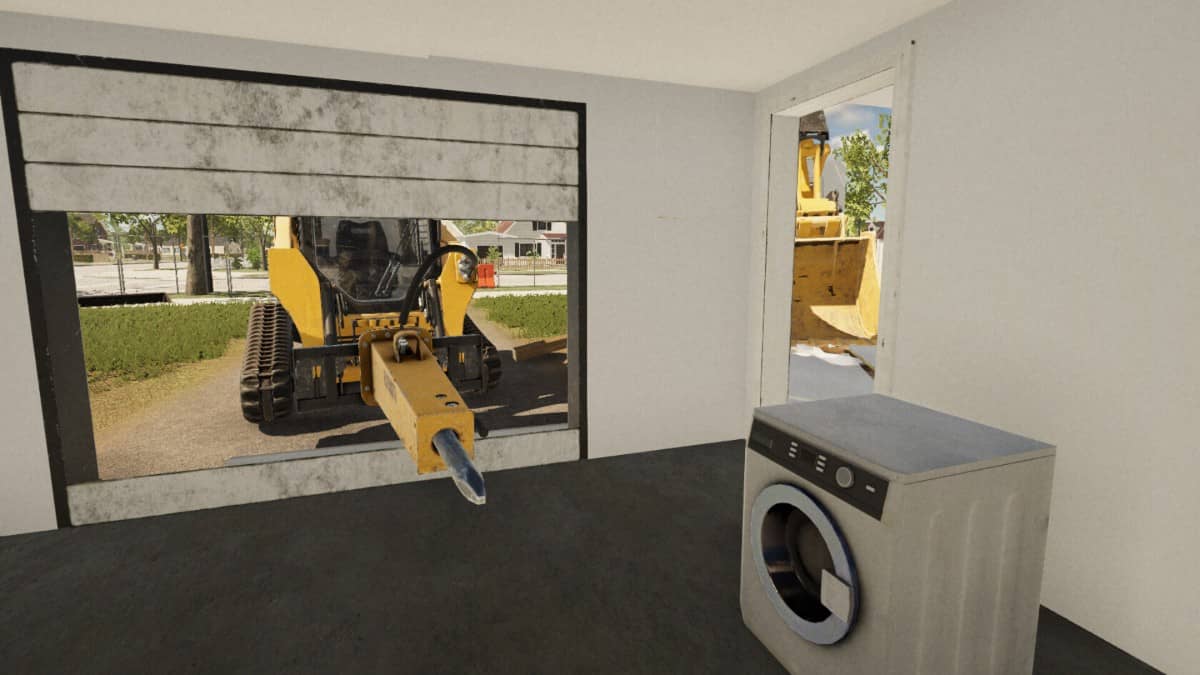
even the game shows you what is better than trying to get this game to run.
Demolish & Build 3 Review Pros
- Ok graphics.
- 10GB download size.
- 1000 Gamerscore.
- Graphics settings for resolution, fullscreen mode, and v-sync, but I cannot change any of them, and the game hangs and won’t let me back out of the menu until I manually restart it.
- Mouse support, apparently, I never tested it, but there is a menu for it.
- You can remap the controls.
- Career mode lets you set the owner and CEO’s name, company logo, and company name.
- Break stuff done and build an empire gameplay.
- Optional tutorial support as you play.
- This will be the first game I review in a decade where I can’t actually get into the game and play it. This is even more impressive, as I am on a home console!
- I found more creative ways to spend my time rather than trying to play this game. I found you can go on long walks, interact with other people (don’t recommend that one) and eat a sandwich.
- Excellent experience if you just want a make-shift screensaver of a work site as the loading screen crashes and stays there so long you would be forgiven for thinking it was a painting.
- The game made me question a lot of things and made me think long and hard about how you can say good things about a game that refuses to get out of bed.
- Deleting the game gave me ten gigabytes of hard drive space back, which came in useful for playing and working on games.
- I mean, how do you score a game that doesn’t launch? Is it in fact a game at all? It’s like another version of are Games art because this is a strong example as to why they are, because it’s just a loading screen image!

Demolish & Build 3 Review Cons
- Graphics settings for resolution, v-sync, but I cannot change any of them, and the game hangs until I manually restart it.
- The menus are broken, and the game needs to be constantly restarted just to see options.
- I think the game thinks it’s a PC game game but someone forgot to add the console part.
- There is a whole menu for tweaking visuals like motion blur, volumetric clouds, bloom, etc, but it’s all greyed out and cannot be touched. Sorry, Motion blur can be, but that’s it.
- I found it hard to want to play the game as it would fall over or refuse to let me leave a menu, so often I lost the will to carry on and decided my time was better spent breaking real-life walls down.
- Company logos are empty as I’m going to guess they use ones from your pc media gallery, I am shook.
- Slow loading times.
- The game will load to do something like play the game, and then just hang and hard crash back to the dashboard.
- After a few hours, 90 per cent of that time was restarting the game or swearing with over-the-top hand gestures.
- The game just refuses to work, and there are only so many times I can redownload it, restart it, and watch the reboot sequence for my Xbox Series S.
Related Post: Music Drive Chase The Beat Review – Street Style Meets Chaos
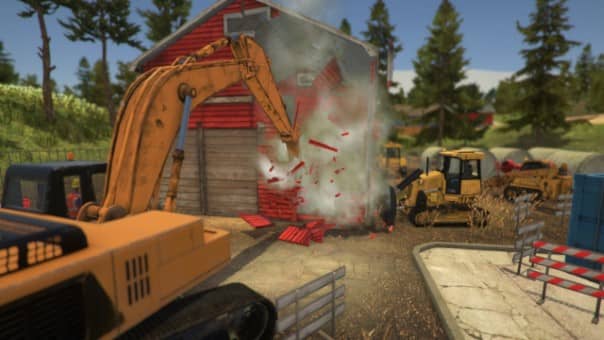
Demolish & Build 3
Developer: Demolish Games S.A.
Publisher: Demolish Games S.A.
Store Link:
Xbox
Demolish & Build 3 Review
Summary
