
Drift21 Review (Steam)
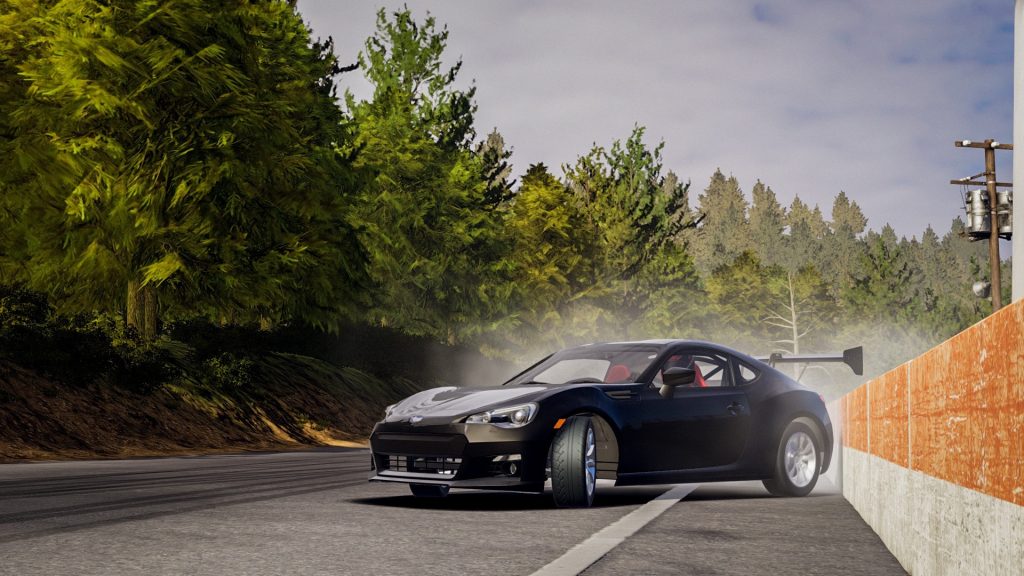
The streets are calling for our Drift21 Review and we have the keys and are all ready! Drifting is life as you live it inch by inch. Engines, suspensions, wheels: more than 1800 replaceable components are available in your garage. Change specific parts to make the performance of your vehicle tailored to your driving style. With visual tuning – by changing body kits, paint color, and decals – you’ll create a drift car that’s one of a kind!

Drift21 Review Pros:
- Decent graphics.
- Download size.
- Steam achievements.
- Controller support.
- Graphics-fullscreen, resolution, v-sync, anti aliasing, quality (low/medium/high), Fov slider for in garage, real time mirrors (on/off) and smoke intensity (none/minimal/maximal).
- Steering wheel support.
- Can rebind and tweak controls and sliders for the controller, keyboard, and steering wheels.
- Three game modes- Career, quick race/multiplayer, and sandbox.
- Five save slots.
- Saves carried over from Steam Early Access.
- Controller settings-auto gearbox/clutch, engine stalls, invert axis and sensitivity sliders, dead zone sliders, and the force needed to apply for brakes and acceleration.
- Five save slots.
- Optional tutorial.
- Car drifting gameplay.
- Three modes-single players, Multiplayer, and quick race.
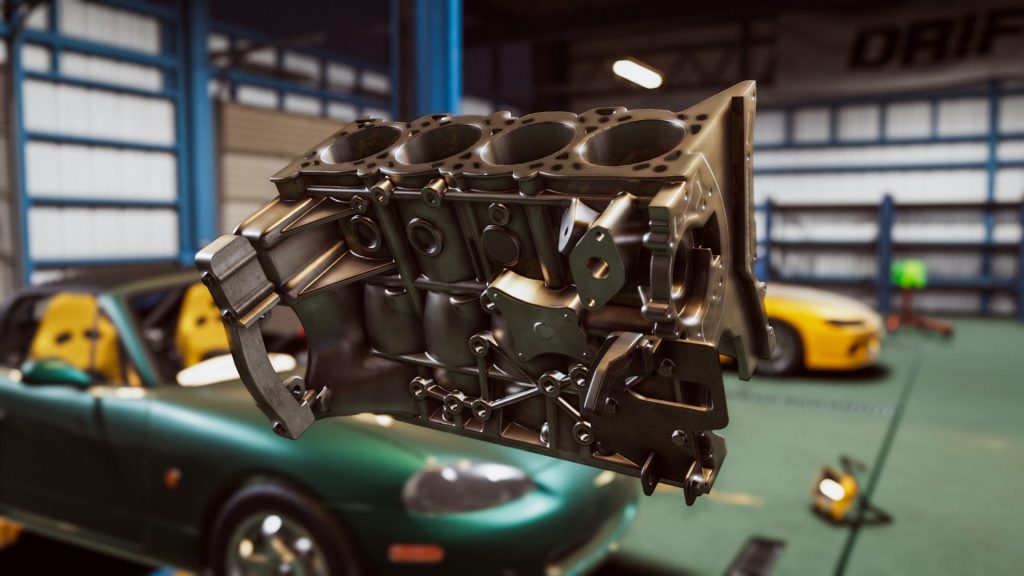
- Garage-first person view, you can buy/upgrade/fit/unfit car parts and use the tools and lifts in the garage.
- Dyno-hook your car up to it and get a readout on performance.
- Missing parts button-handy button that shows any pieces you are missing and clicking them takes you to the shop listing for said parts.
- Warehouse-in game shop for parts covering complete engines, engine, pipes, gearbox, drive train, exhaust, suspension, steering, brakes, rims, tires, car body, interior, and others.
- Interact with your car by fitting parts.
- Events-you, choose the car, track, mode, and any of the set challenges.
- Mode-3 of them and are free ride, solo run, and time attack.
- Five tracks-Drift land, school, Minami, North, and touge.
- Shortcut menu wheel when in the garage.
- Dealership-five cars to buy-Mazda RX8, Mazda MX5, Subaru BRZ, BMW E46 M3, and Nissan Silvia S15 all have a handful of colors.
- When you buy the car it’s just the shell and a few parts, you need to get the engine and internals.
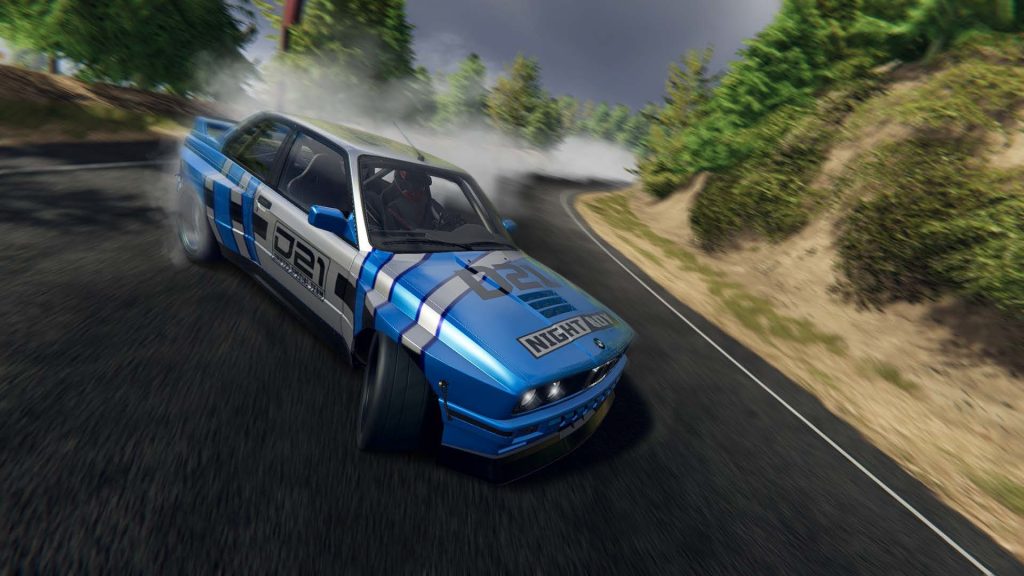
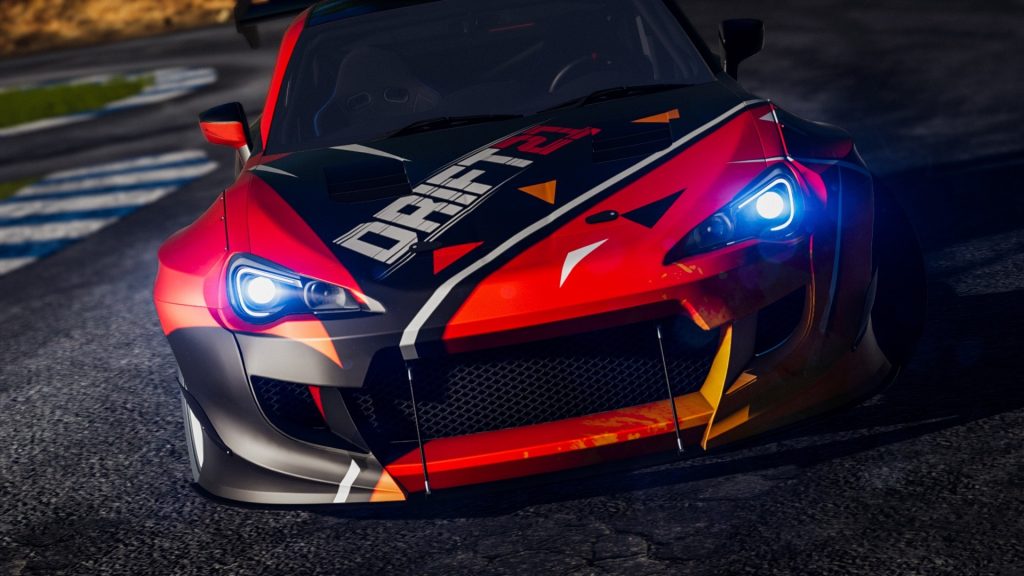
- Paint booth-respray the car with default colors and custom sliders, add decals using a layering system, wheel paint mode and personalize the number plate.
- Strong responsive handling.
- Applying new parts to the car can snap into place.
- When selecting an event, It will give a list of conditions and car parts needed. Luckily they have a clear green highlight icon to help buy and install parts.
- Earn cash from events.
- Five driving views including a steering wheel and dashboard views.
- Quick race-same setup as races before except all cars and parts are unlocked and you cannot do challenges.
Drift21 Review Cons:
- No benchmark test.
- The huge learning curve with the drifting.
- Long loading times.
- Difficult.
- A lot of needless button presses and confirmation screens.
- Cannot go full Street racer with your customisation as it does do neons and crazy body modifications.
- a lot to take in.
- No music in the garage or menu.
- Menus are clunky.
- Slow to get going.
- Huge timesink.
Related Post: Drift21 Preview (Steam Early Access)
Drift21
Developer: ECC Games
Publisher: 505 Games
Store Links-
