
Review: Tiny Little Kingdoms (Android/Mobile)
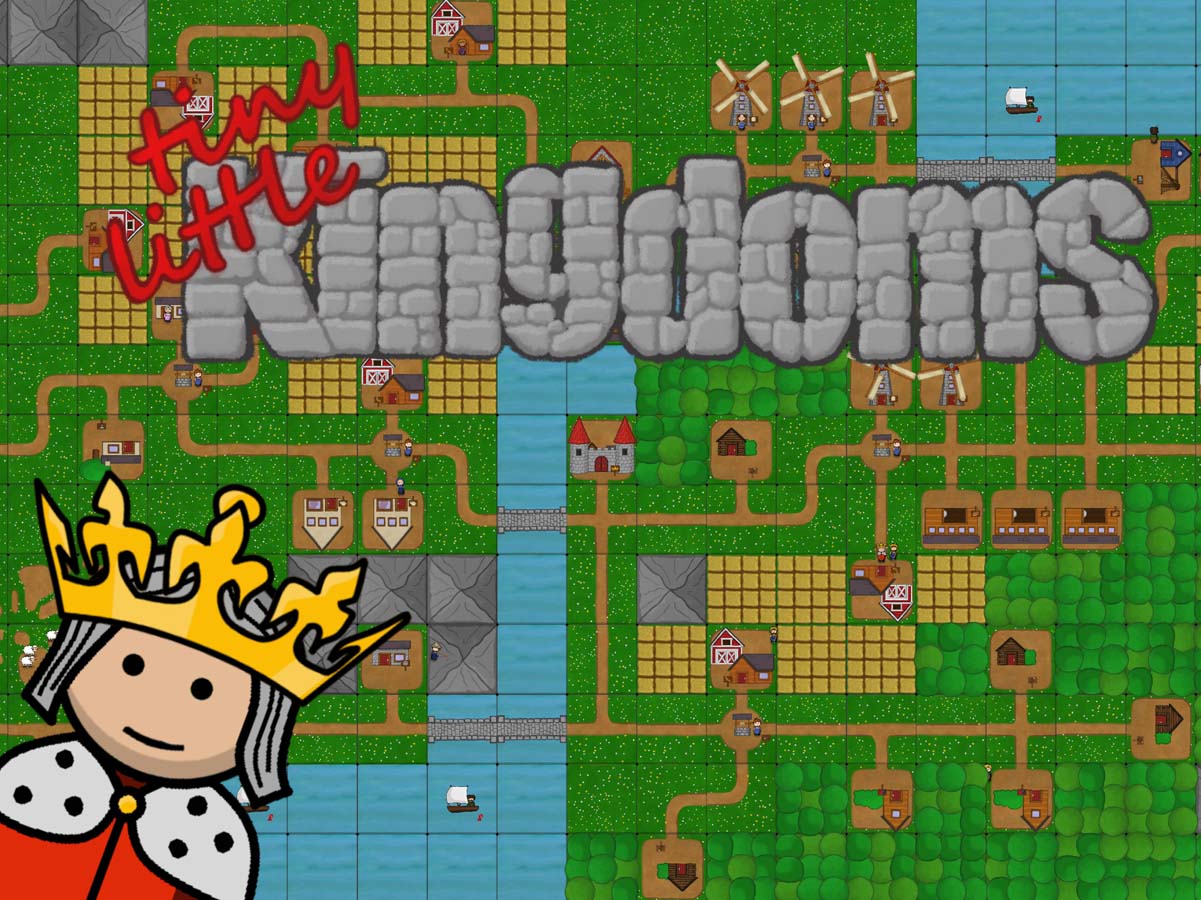
Tiny Little Kingdoms is a mix of a board game and a kingdom building strategy game, in which you can create your very own tiny kingdom!
Pros:
- Nice hand-drawn graphics.
- 49.95mb download size.
- strategy gameplay.
- Has its own in-game achievements.
- Tutorial pop-ups that can be toggled on and off.
- Boardgame presentation.
- full touchscreen control.
- Upbeat soundtrack.
- Can play in landscape or portrait mode.
- Show a framerate option.
- Big screen mode. (Acts a bit like zoom in on my Samsung S9 plus)
- Two game types: Campaign and sandbox.
- Sandbox has everything unlocked and no tutorial tips.
- Game-You must place the initial castle piece and then you build places like woodcutter and then the needed sights like forests near the woodcutter to generate resources.
- Has a Carcassonne feel to it.
- In the campaign, you have set goals to achieve like harvest x amount of wood or rock.
- Road network. Once completed you can then auto-complete the board or continue doing it manually.
- The game doesn’t end until all parts of the playboard are filled in.
- You get random tiles given to you as you play.
- Treasure chest-Every game you get given a few random free cards to play. (optional)
- Castle-Spend resources on particular tile pieces and the price increases as you play.
- 3-star rating system for each level.
- You can replay and restart any level.
- Local high score leaderboard.
- At the game end, you can press the eye button for a no hud screenshot.
- Drag and drop control system.
- Every run is randomized.
- Clear pop-ups of resources being generated.
- Very easy to learn.
- Various map sizes.
- Over 20 campaign maps.
- Over 15 sandbox maps.
Cons:
- No online leaderboards.
- No cloud save,
- Doesn’t have Googleplay achievements.
- Save is tied to the game so if you uninstall the game you lose your save.
- Difficulty spikes.
- The initial learning curve on the later resource management.
- Doesn’t say about the building only taking resources from 3 set locations so you can waste time and resources.
- Tutorial text can get small and hard to read with bad formatting.
